0 chars/line
X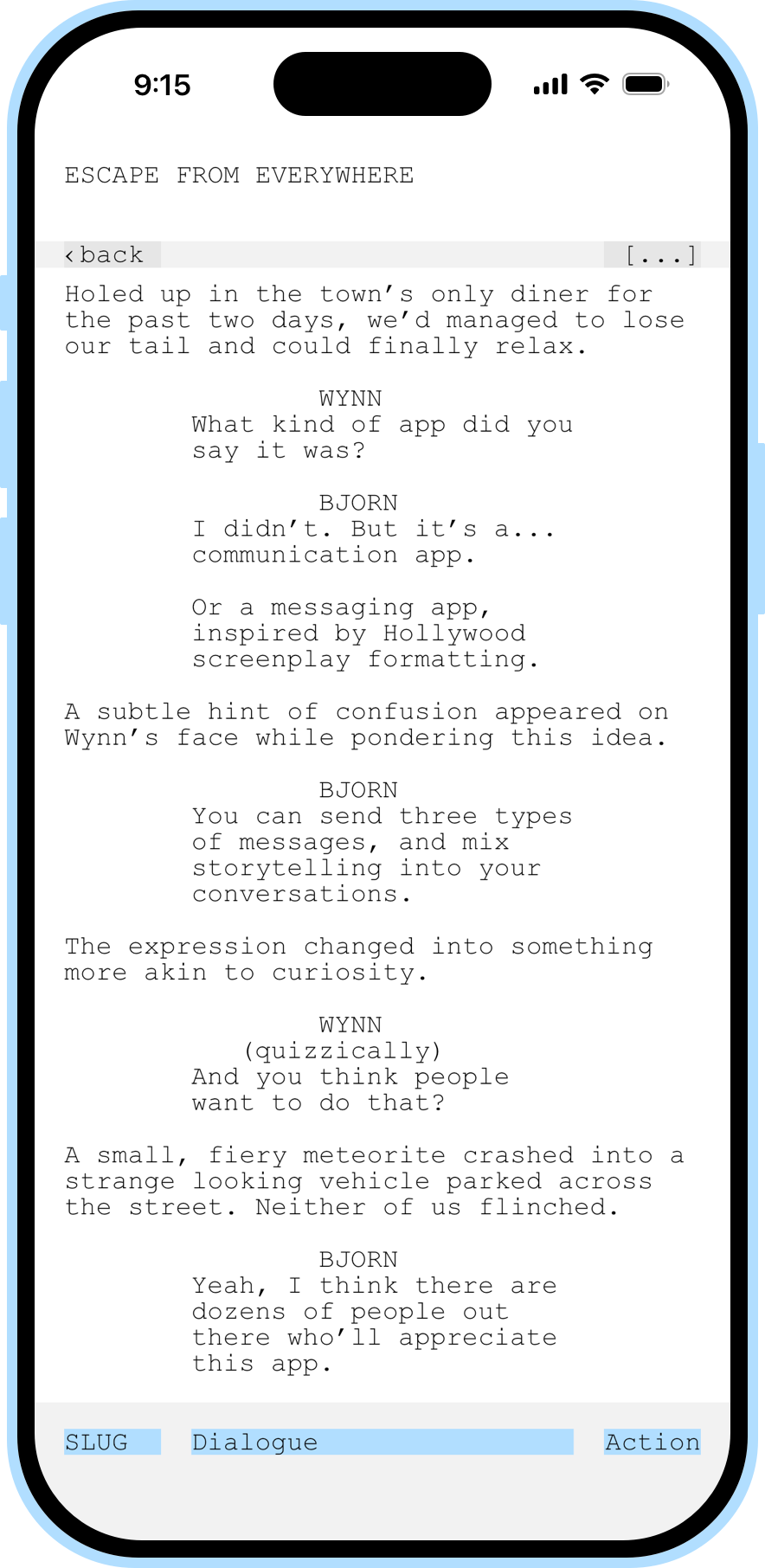

INT/EXT™
A Communication App for People Who Like Writing

 coming soon
Created by B. Johansson
INT/EXT is a messaging app modeled after the layout and typographic conventions of Hollywood screenplays.
Its most notable feature is having three types of messages — ACTION, DIALOGUE and SLUG — which enables any conversation (a.k.a. script) to become a rich narrative — fictional or not.
In addition, it’s possible to add characters if you need to write in voices other than your own.
The INT/EXT UI, based on the TypeCast design system, is also rather unique in the way it eschews everything but pure text.
HOW TO ADD A CONTACT
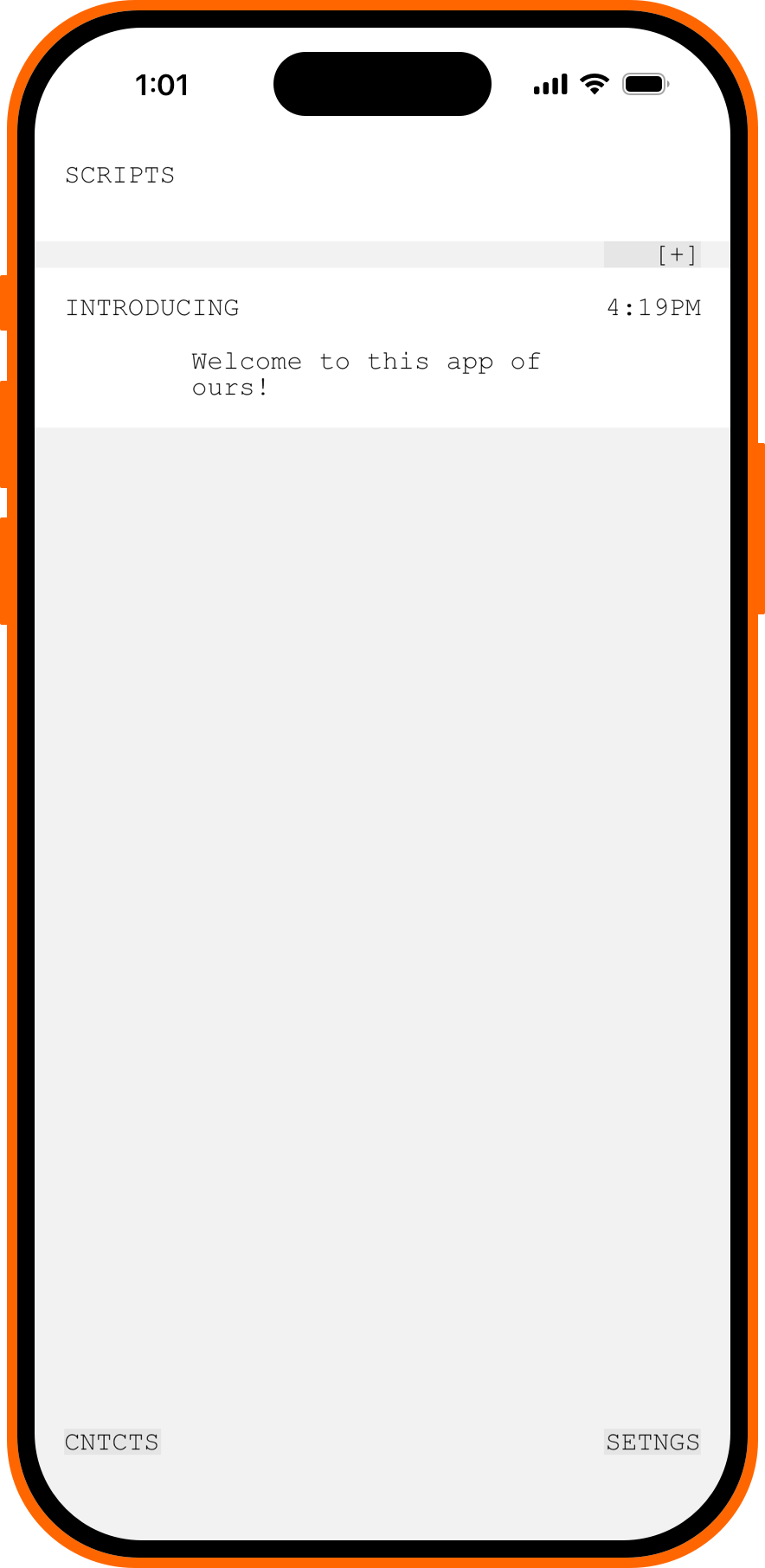
01. Tap CNTCTS (CONTACTS) in the lower left corner.
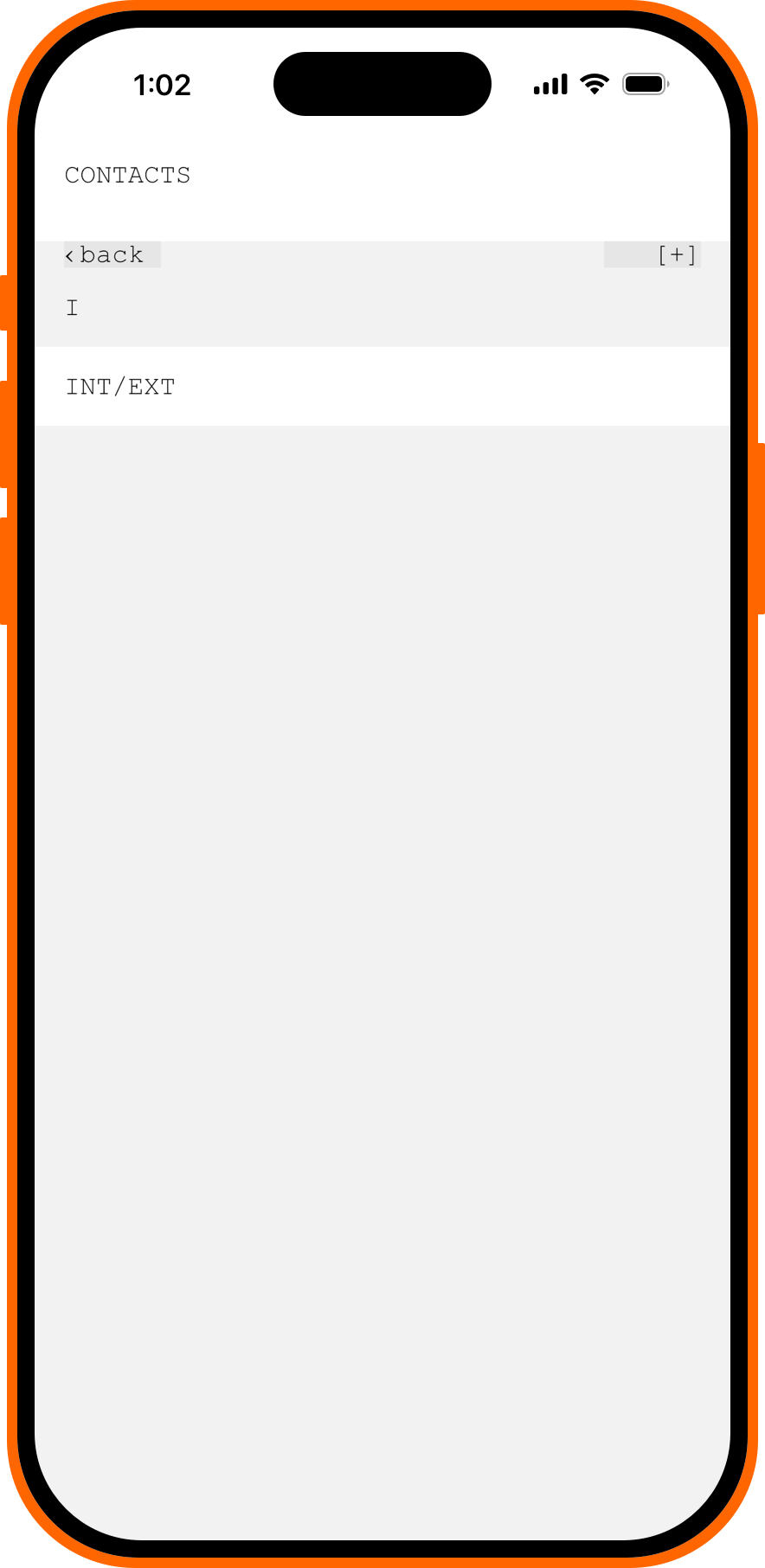
02. Tap [+] in the upper right corner to open the NEW CONTACT modal.
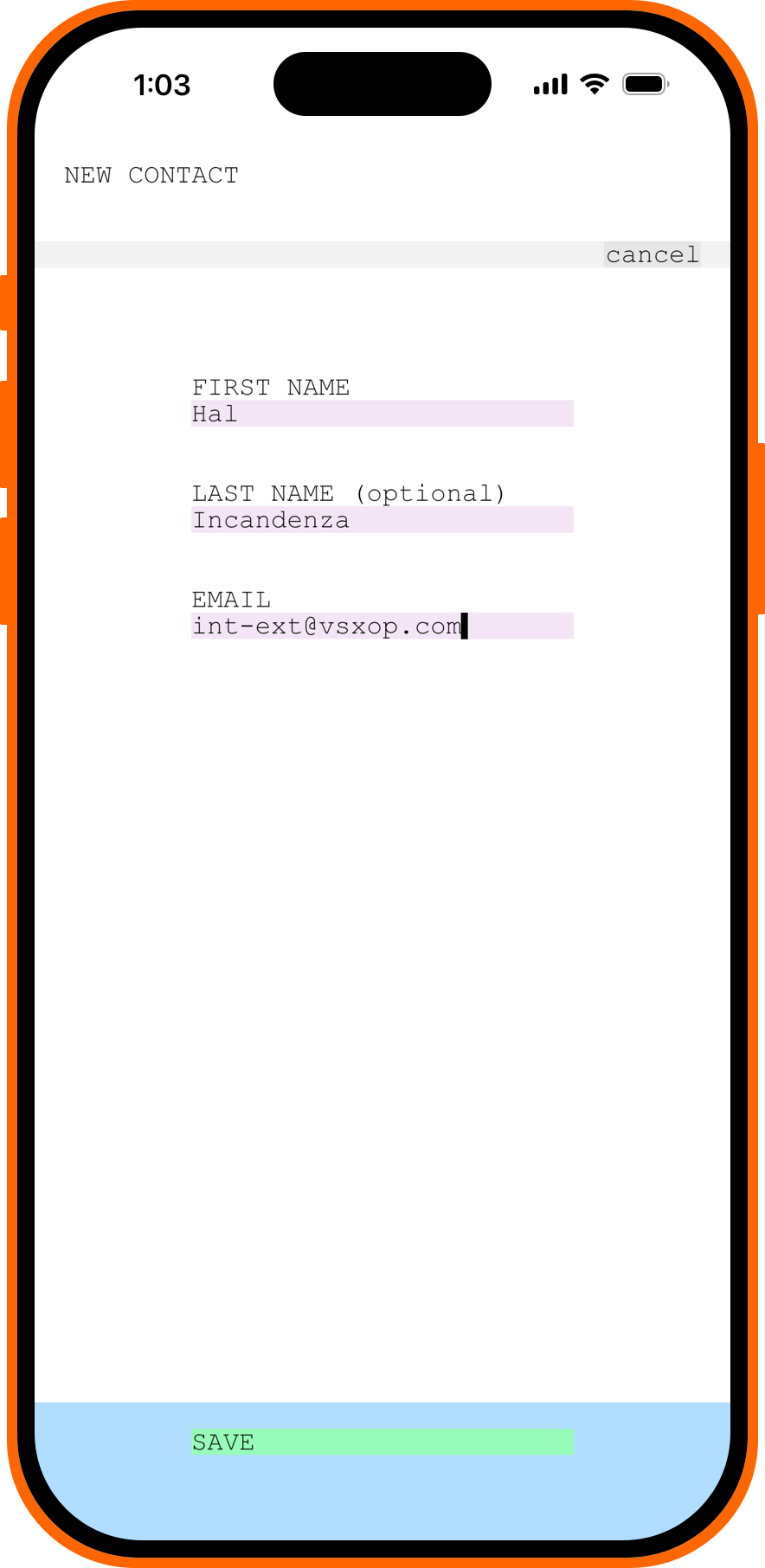
03. Add contact name and email, then tap SAVE.
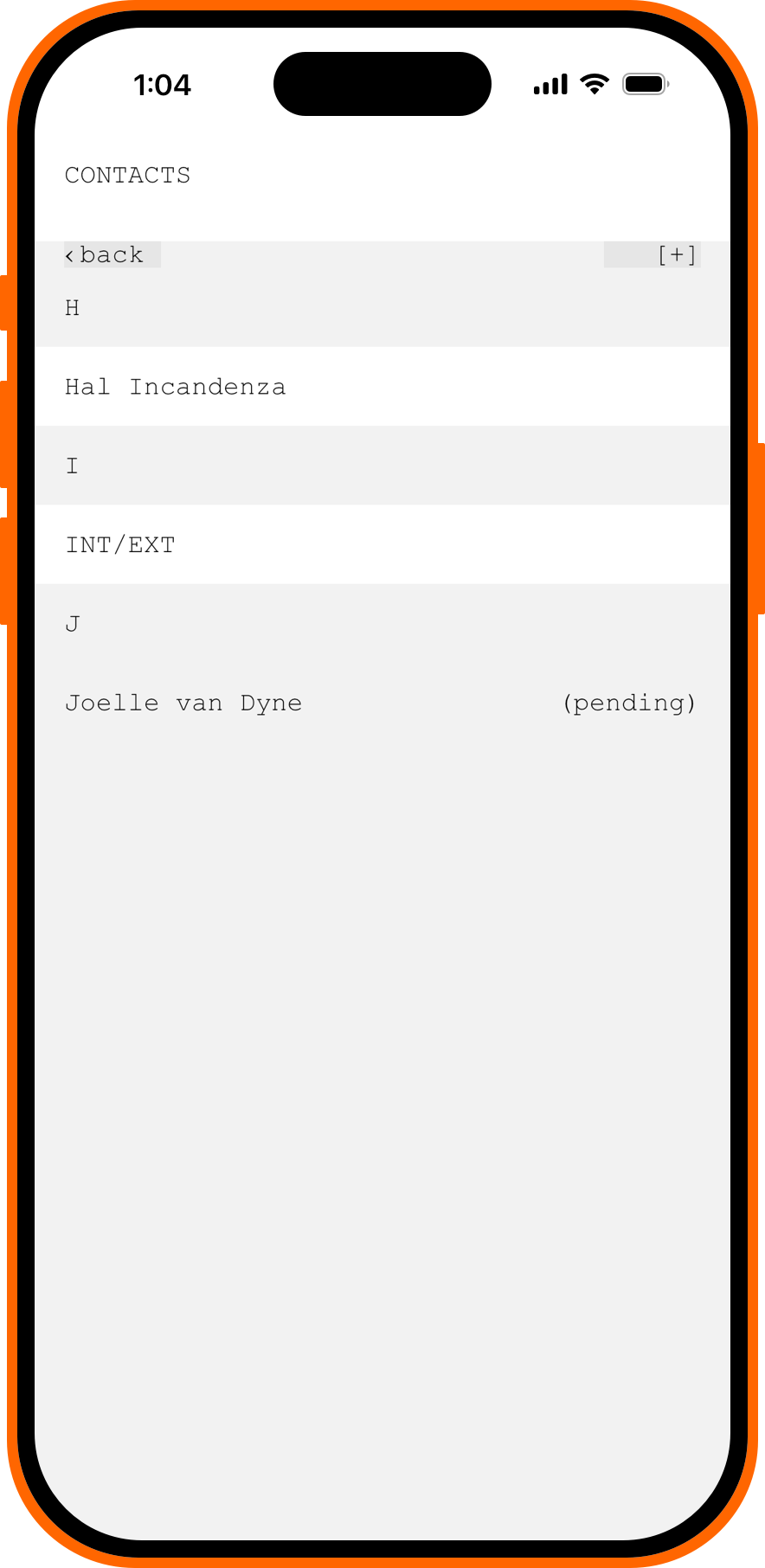
04. Contacts w/o accounts are labeled pending.
If app notifications are enabled, you’ll be notified when a pending contact joins.
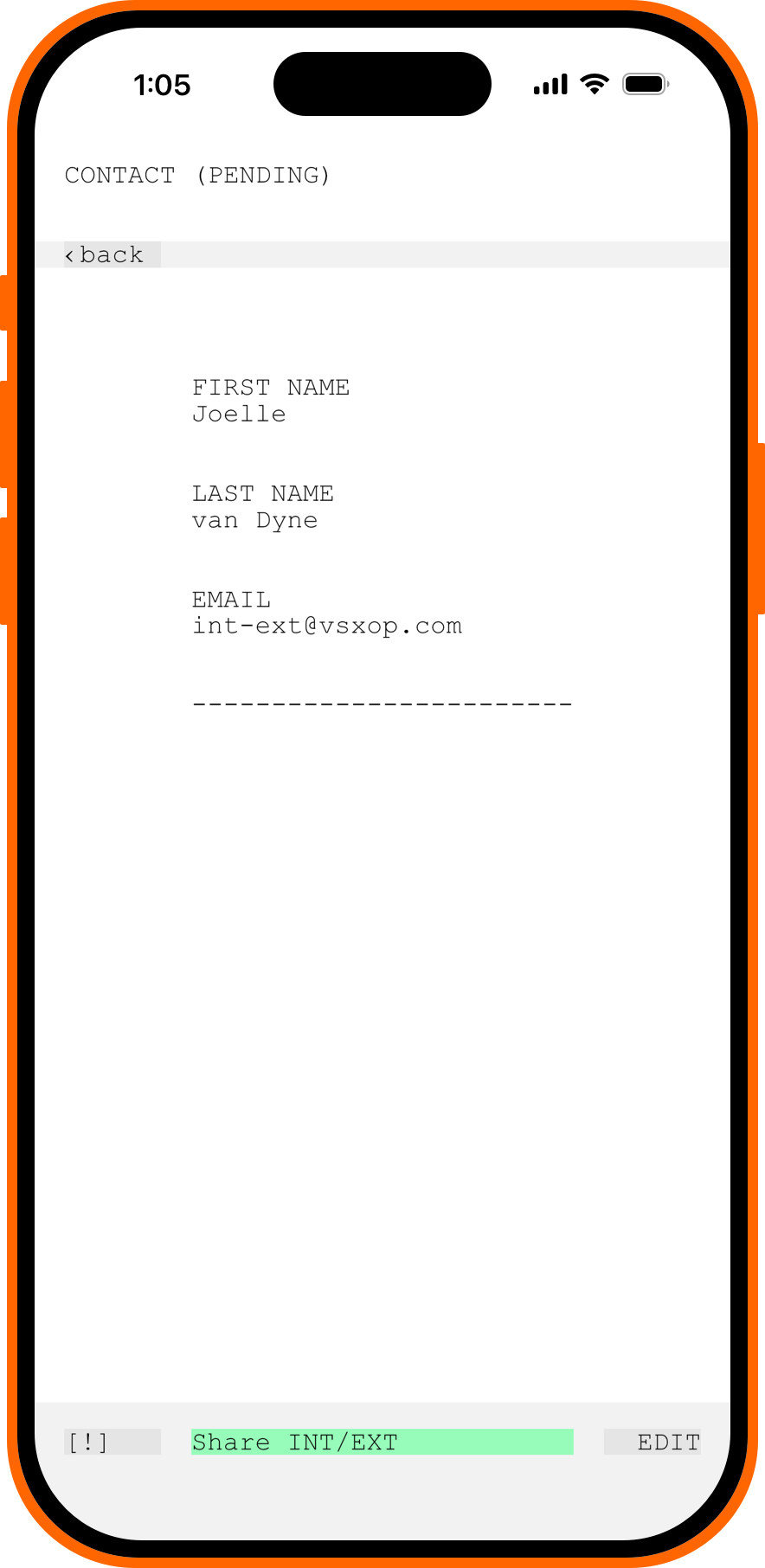
05. A share button is shown for pending contacts so you can encourage them to join.
HOW TO START A SCRIPT
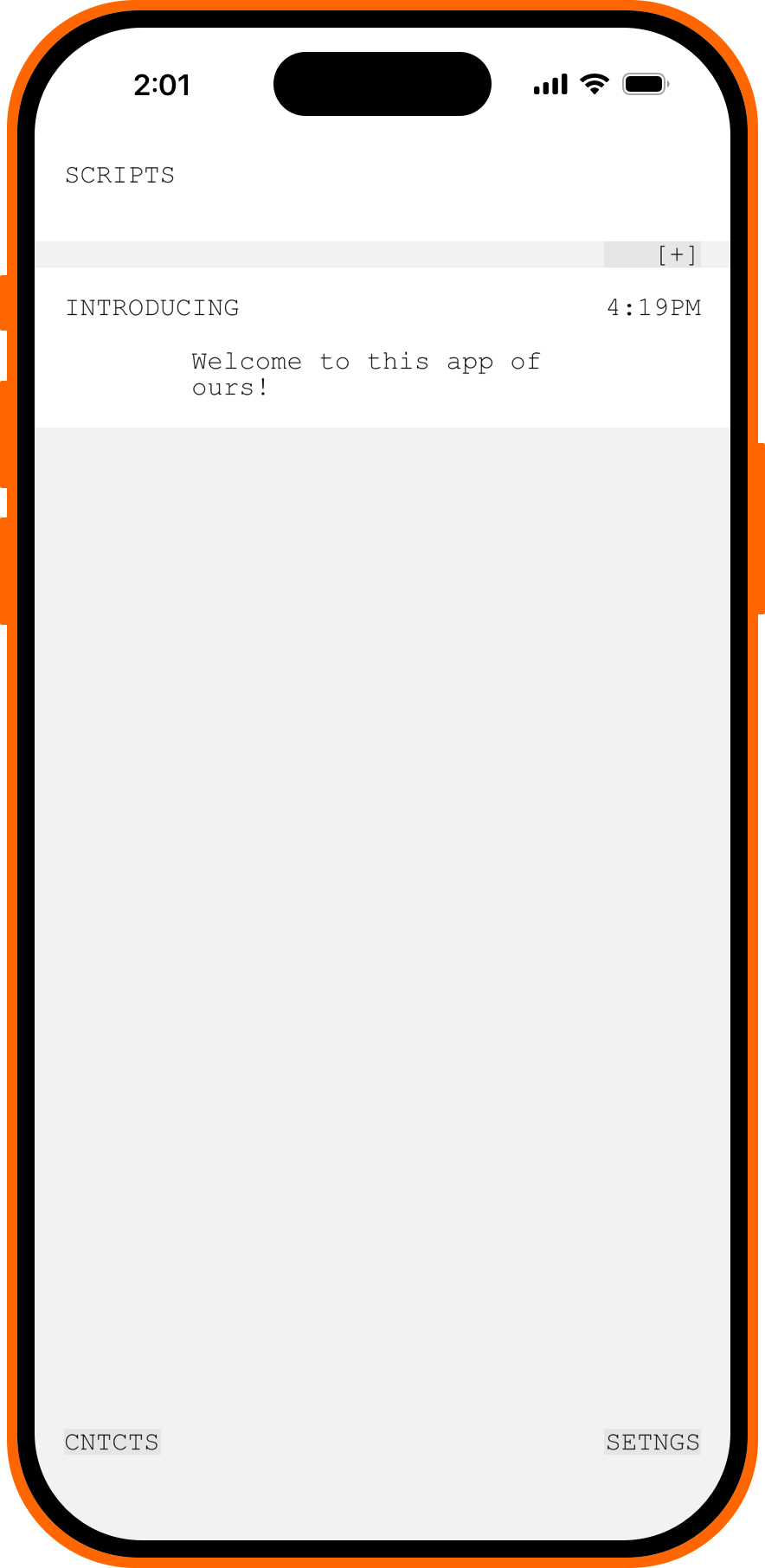
01. Tap [+] in the upper right corner to open the NEW SCRIPT modal.
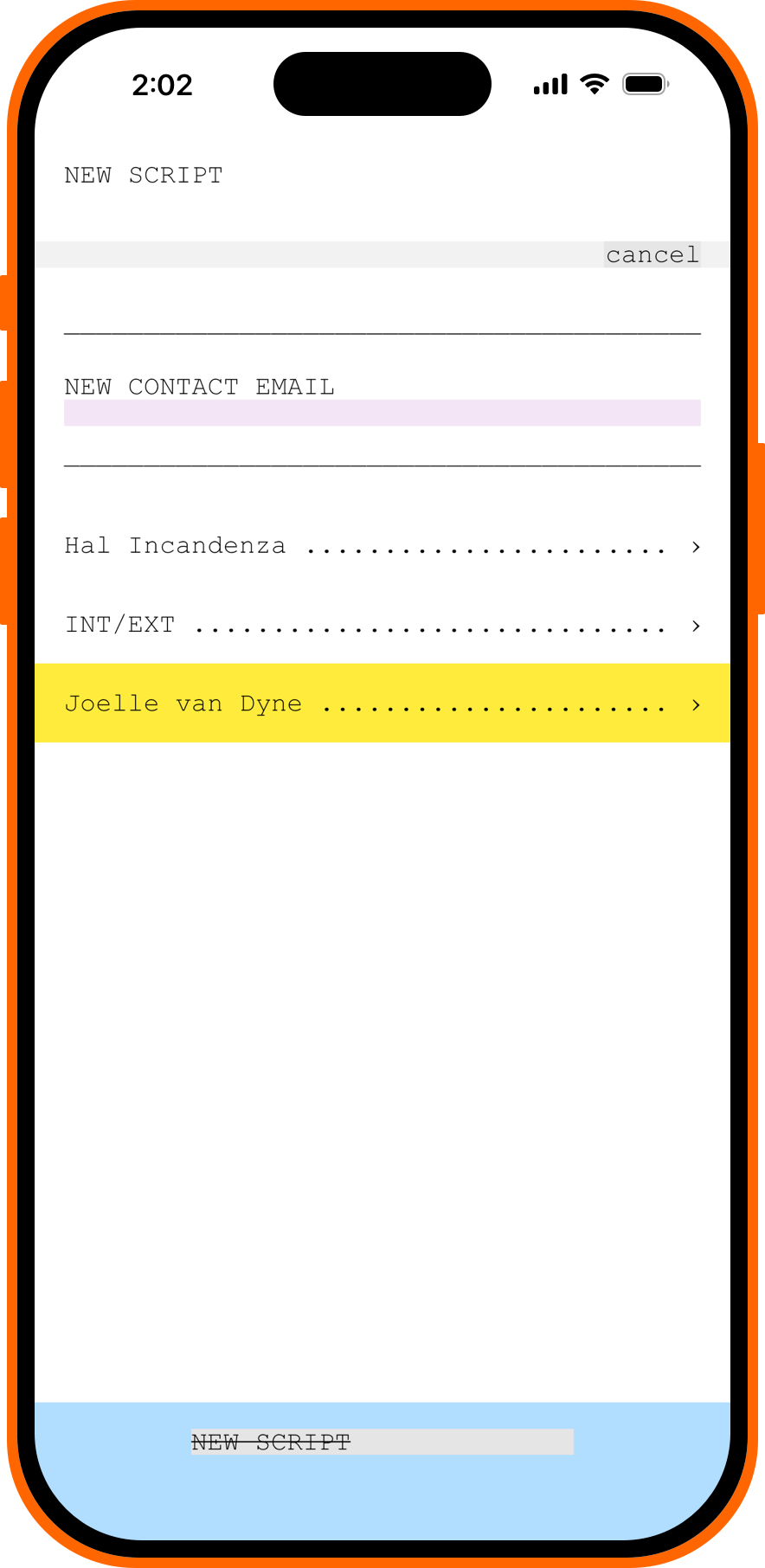
02. Select a contact from the list, or ...
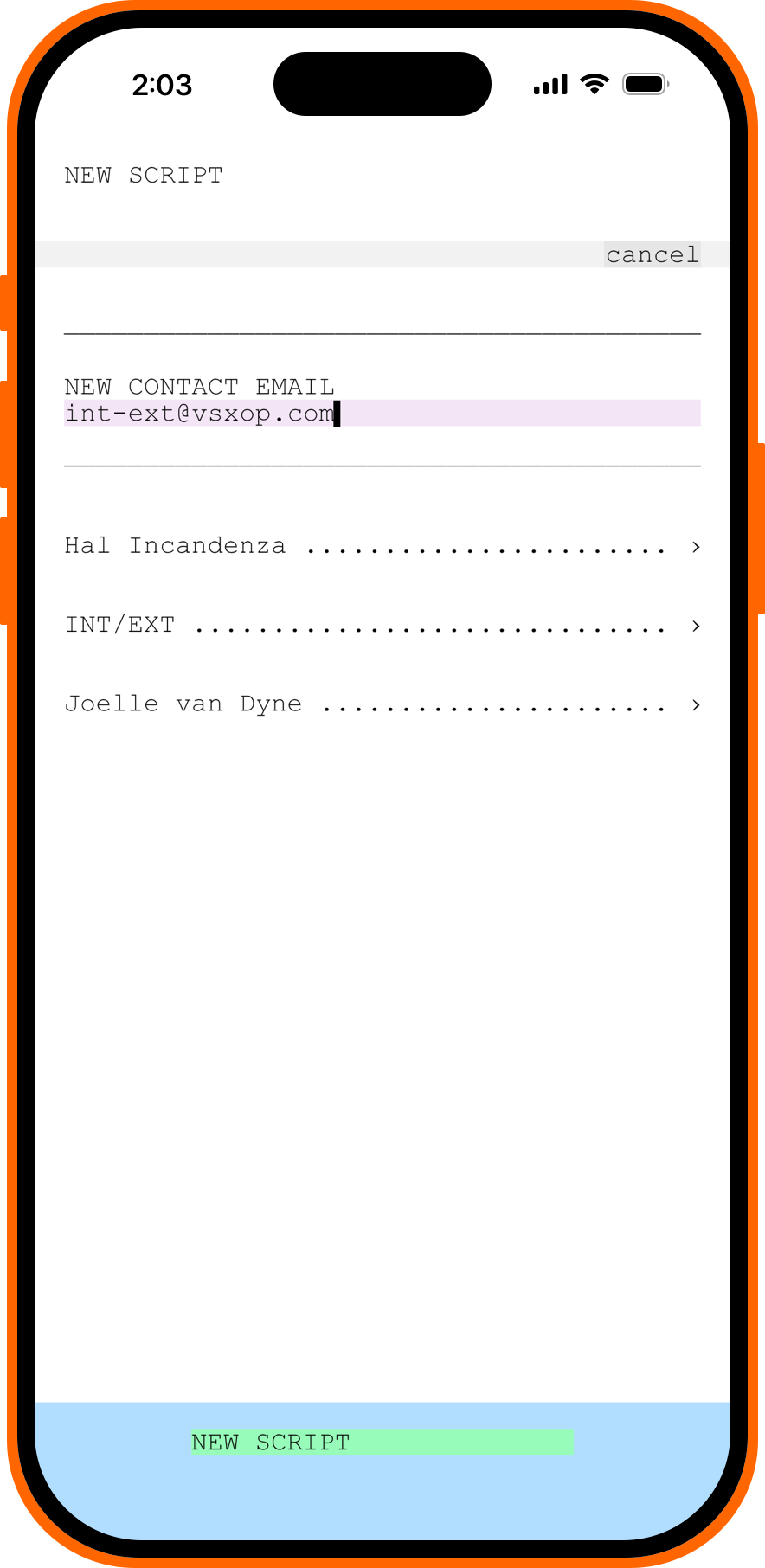
03. ... input a new contact email, then tap NEW SCRIPT.
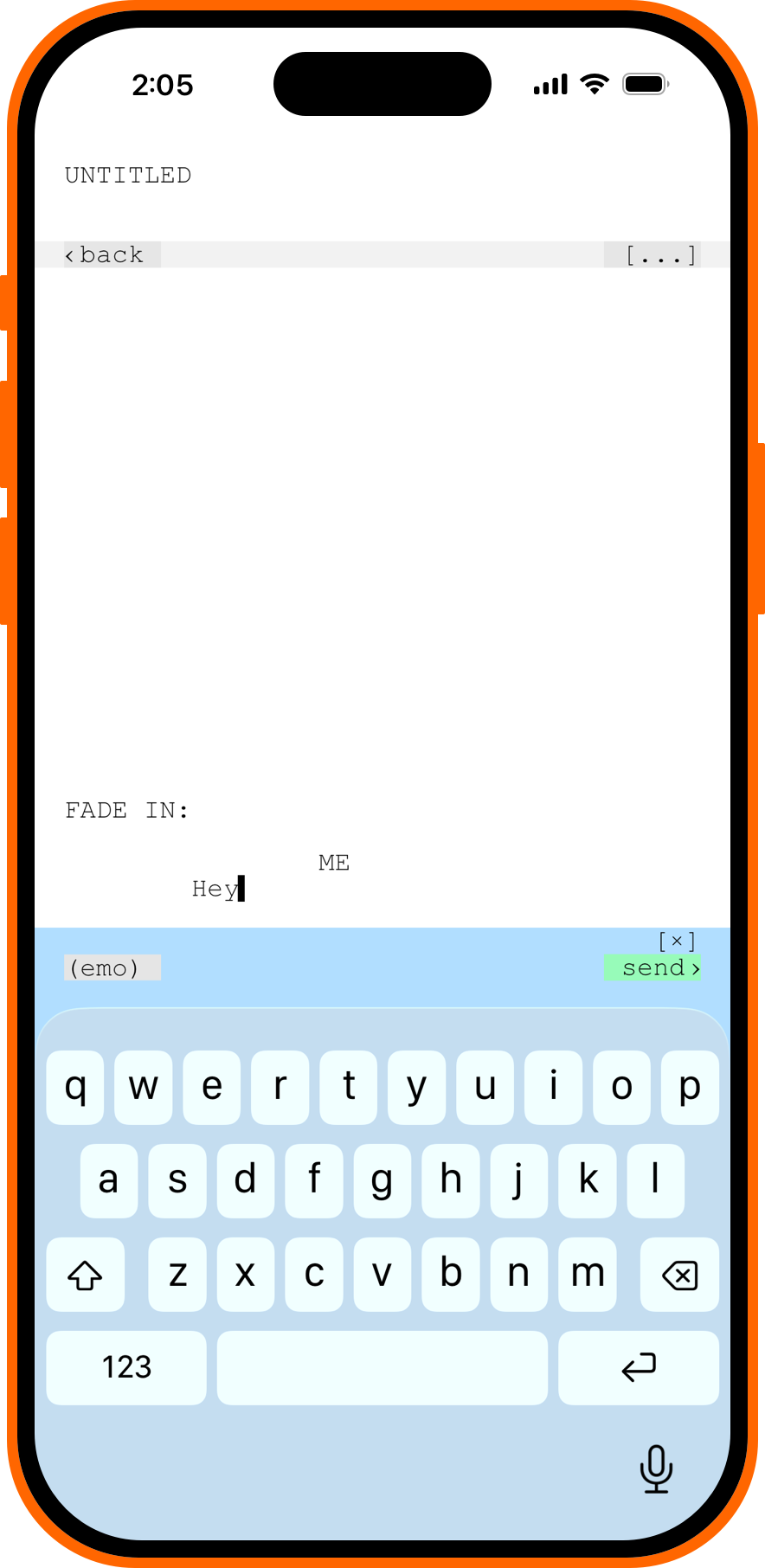
04. The recipient will not be notified that you’ve started a script until you write the first message.
HOW TO WRITE A MESSAGE
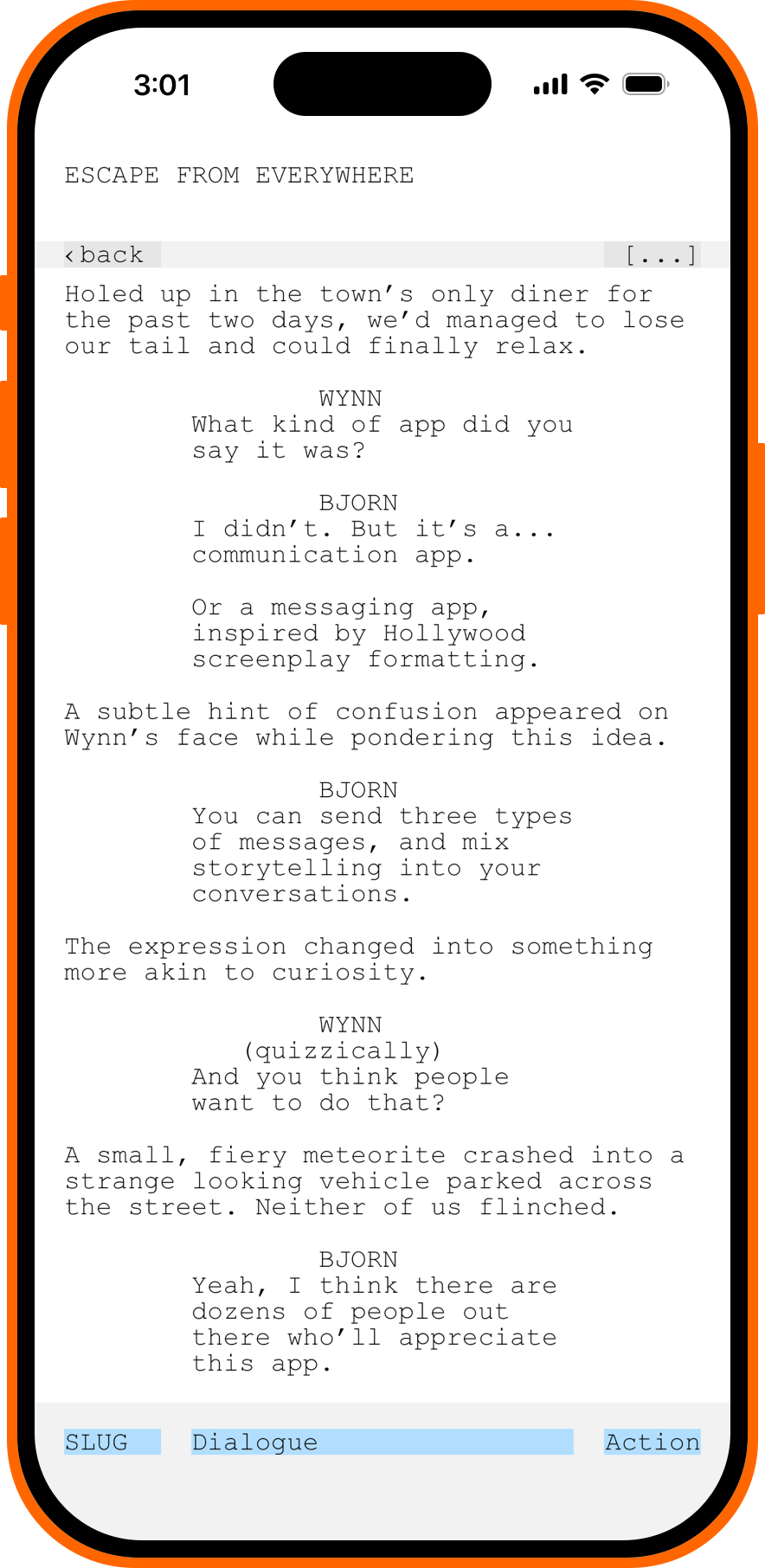
01. Open a script and select Dialgoue, Action or Slug.
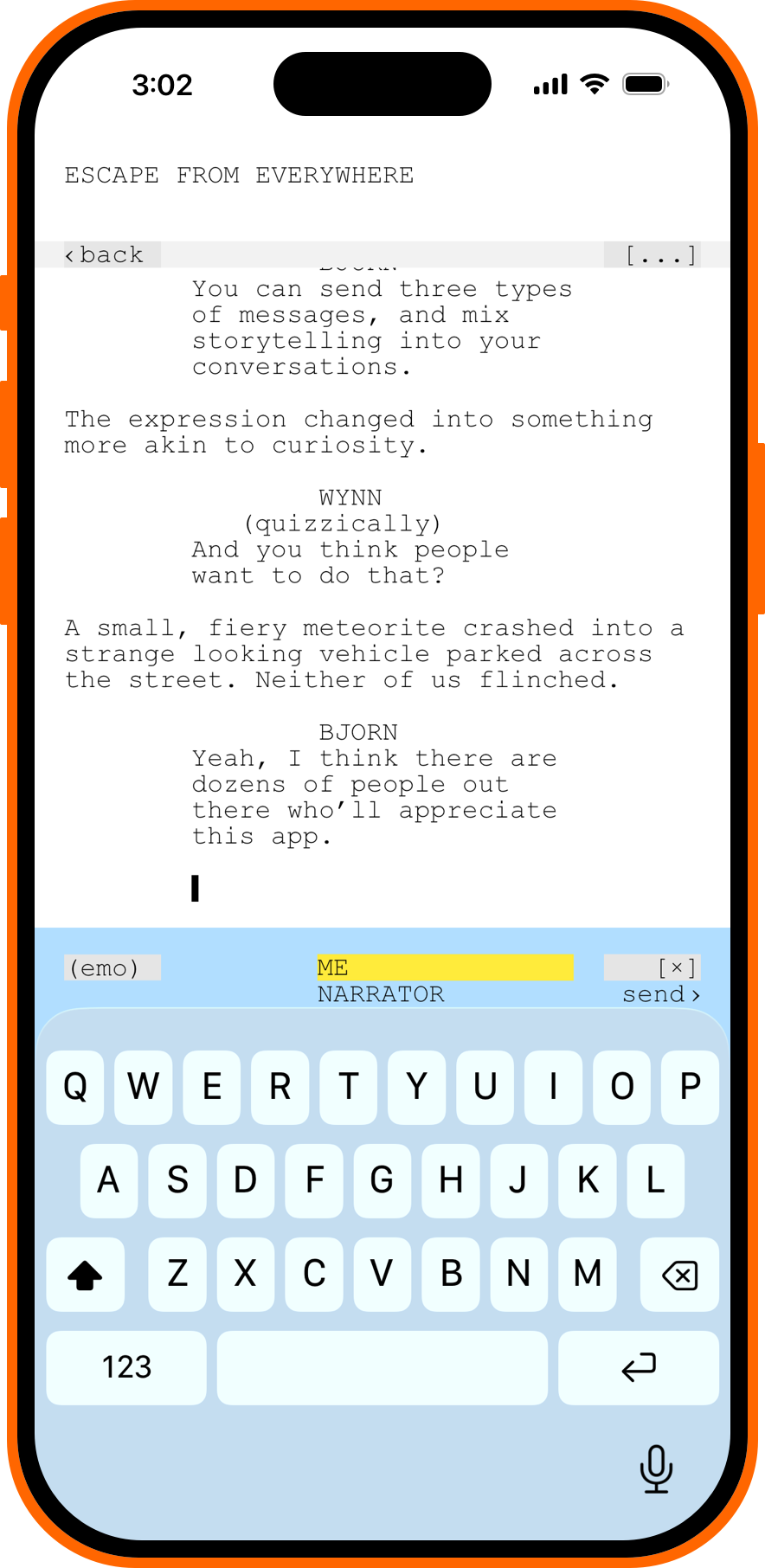
02. Dialogue; choose who to write as from the character menu, and open the parenthetical emotes menu by tapping (emo).
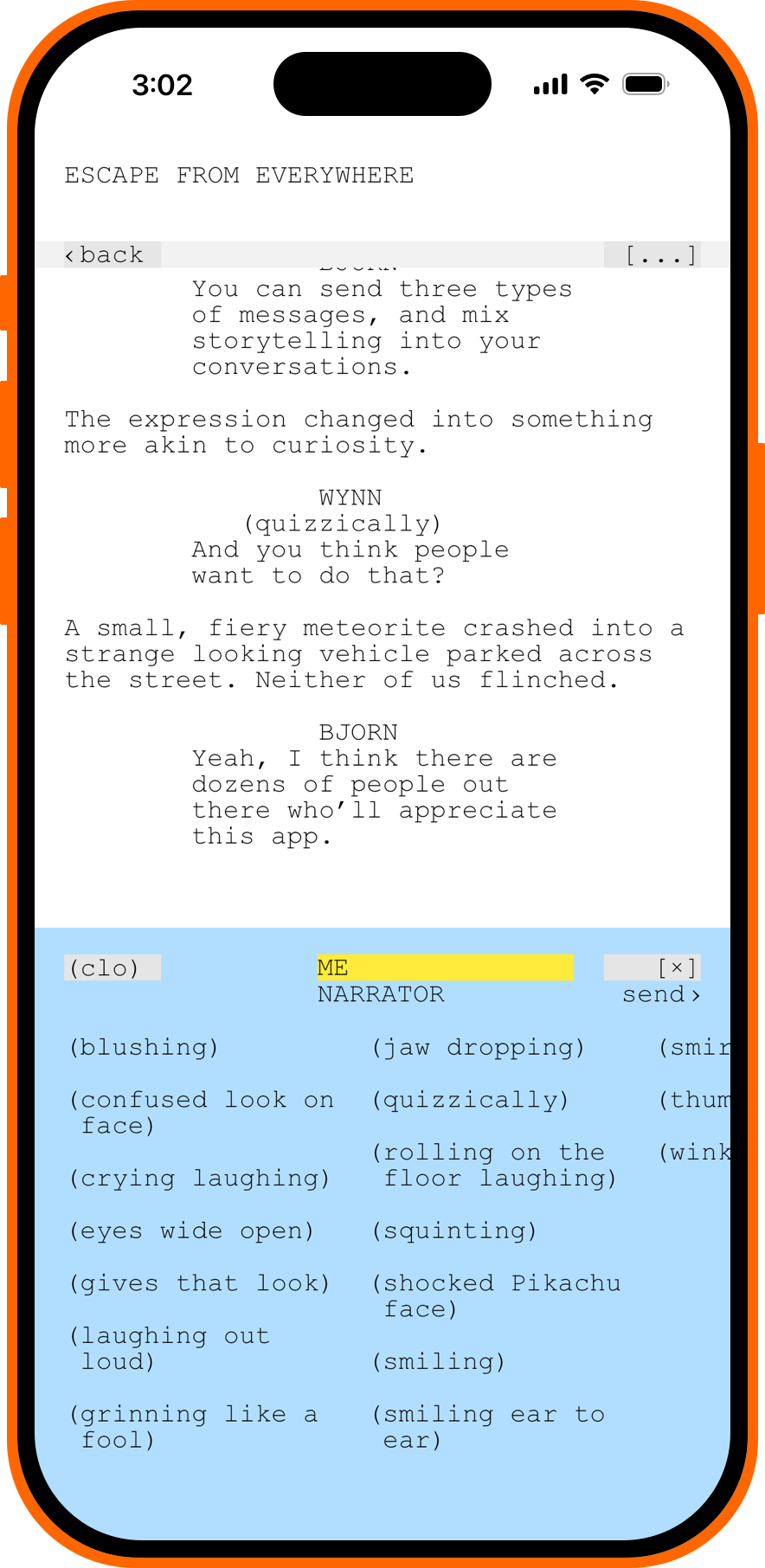
03. Tap an emote to insert, then (clo) to close the emote menu and bring back the keyboard.
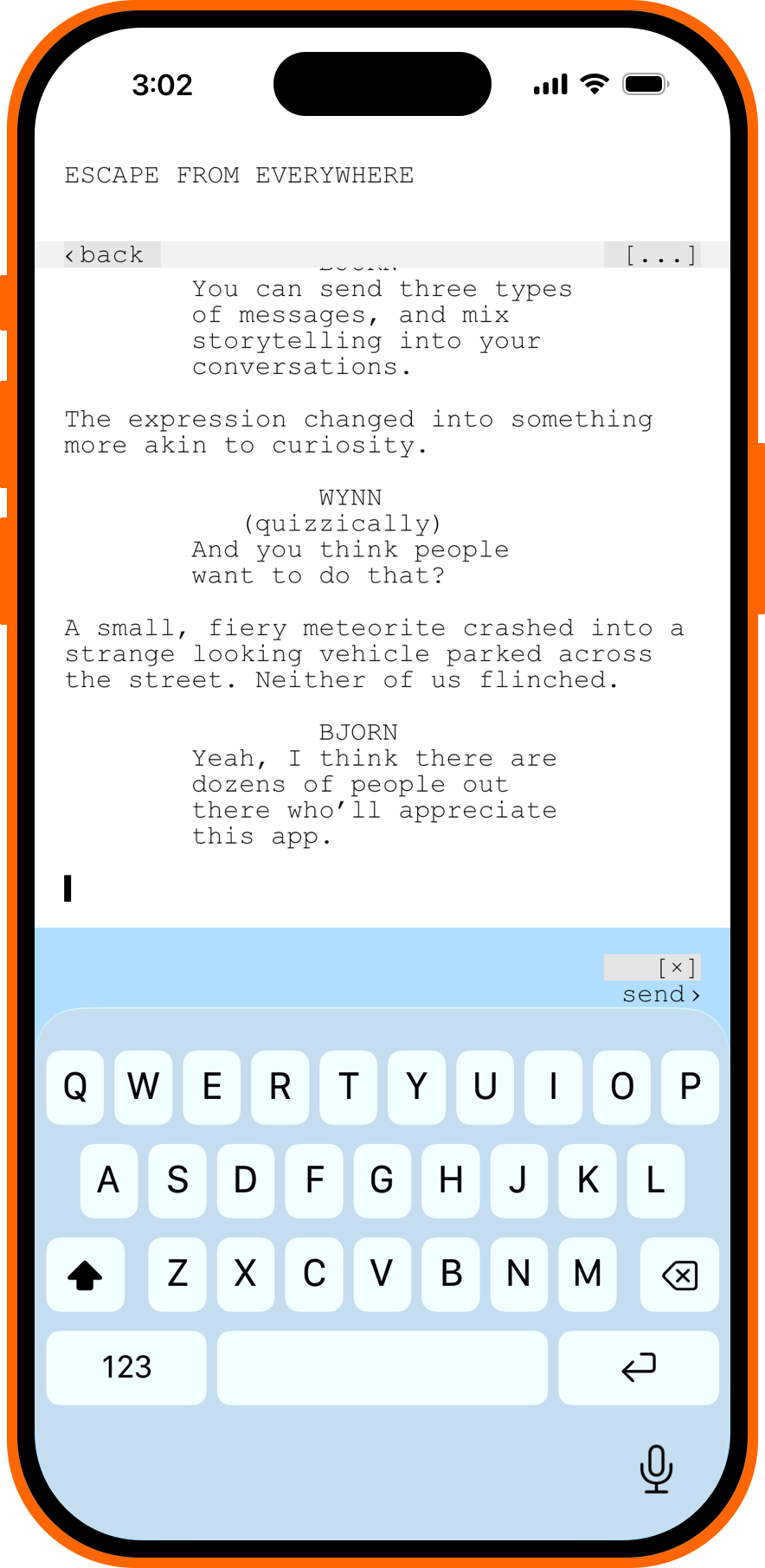
04. Action; differs from Dialogue by spanning the full width of the screen, and is not attributed to whoever writes it.
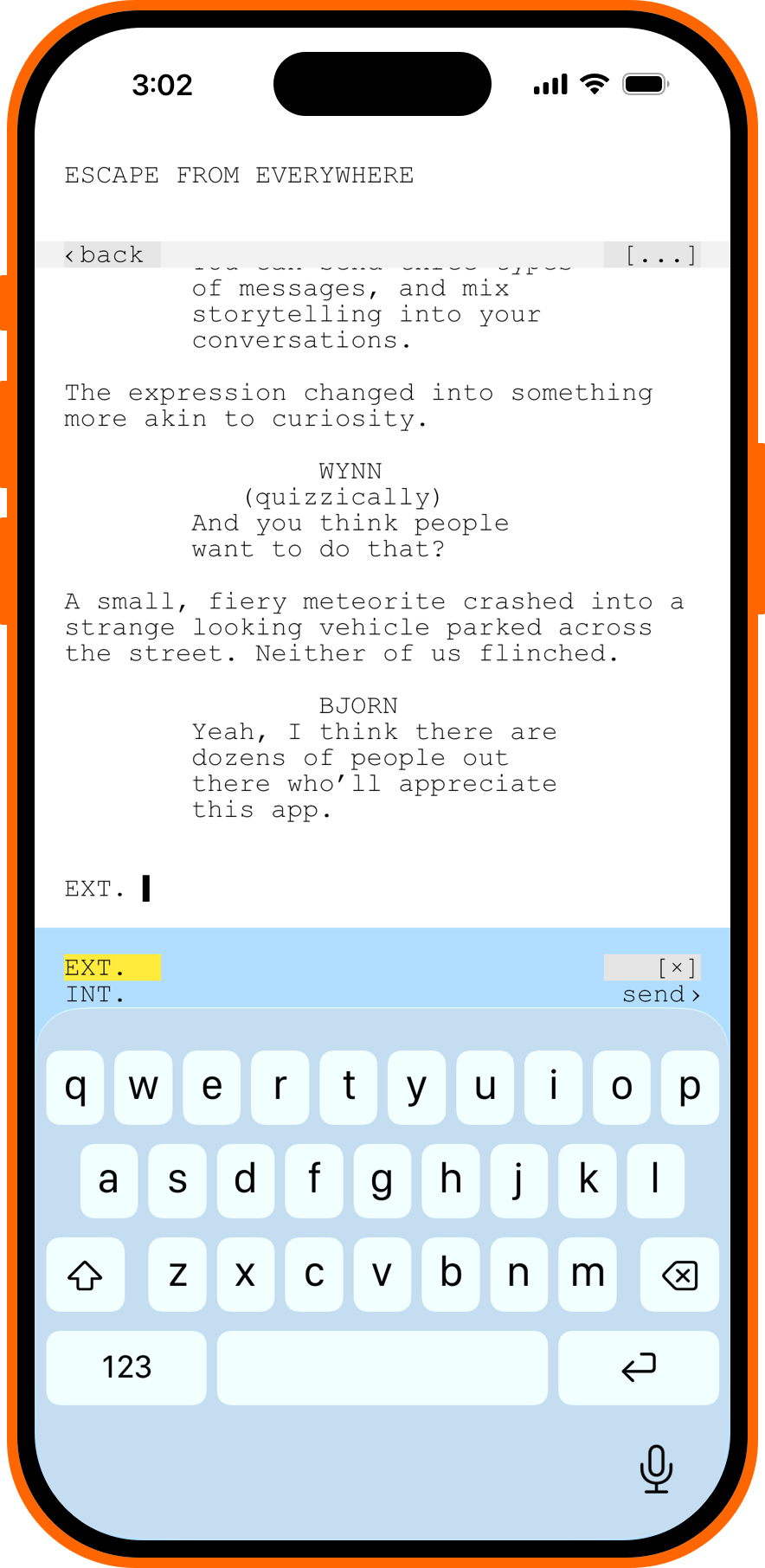
05. Slug; used to specify an INT. or EXT. location. You can change the message type button order in Settings in case you’re left-handed and want easier accees to the Action button (which you’ll probably use more often).
CONTACT
GET UPDATES
CREDITS
©2026 VSXOP LLC